iRacing Livery Editor
A custom decal-placement system that uses raycasting and the car’s geometry to anchor, orient, and wrap artwork across curved bodywork.
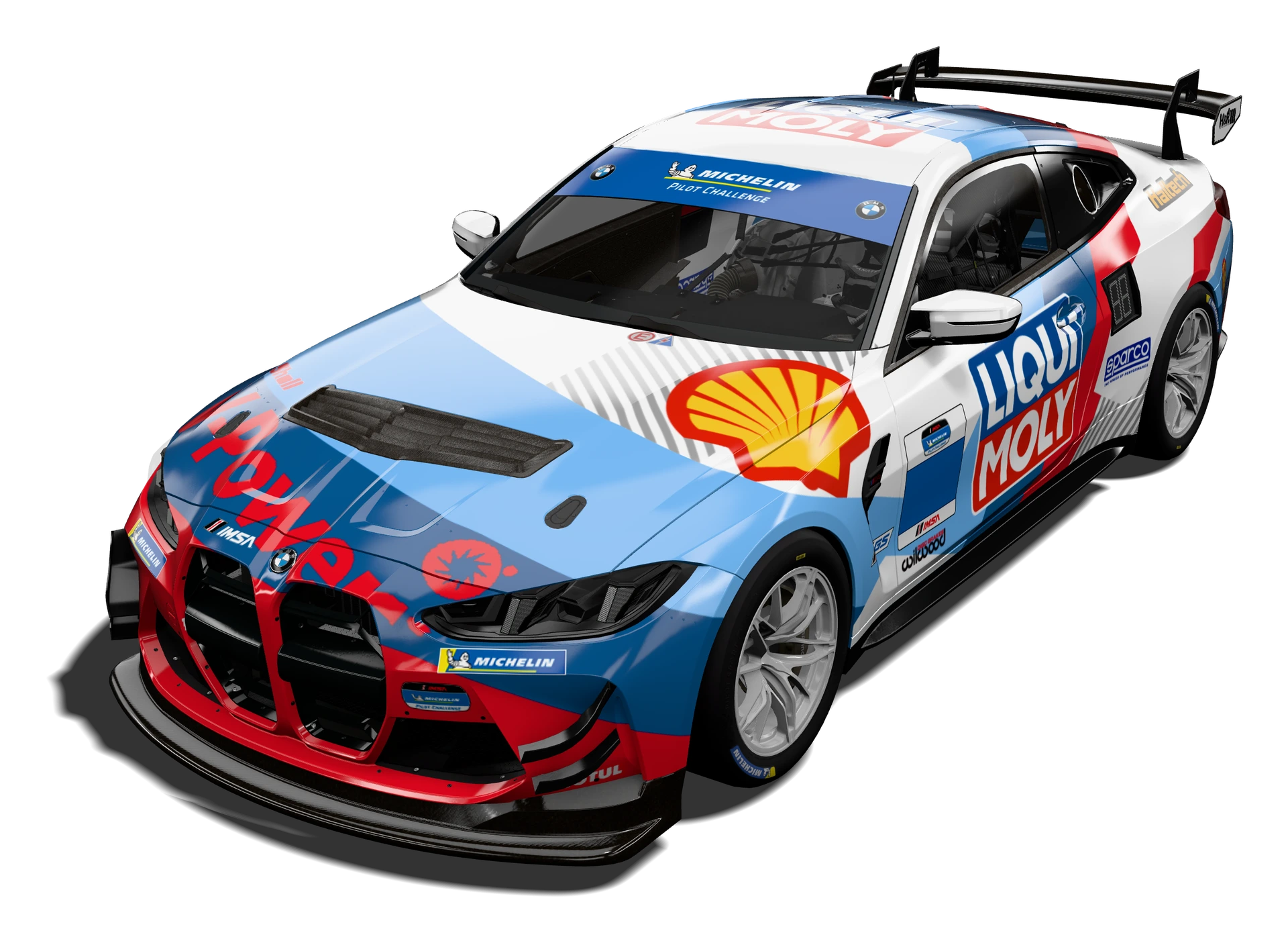
Making flat artwork follow a 3D body
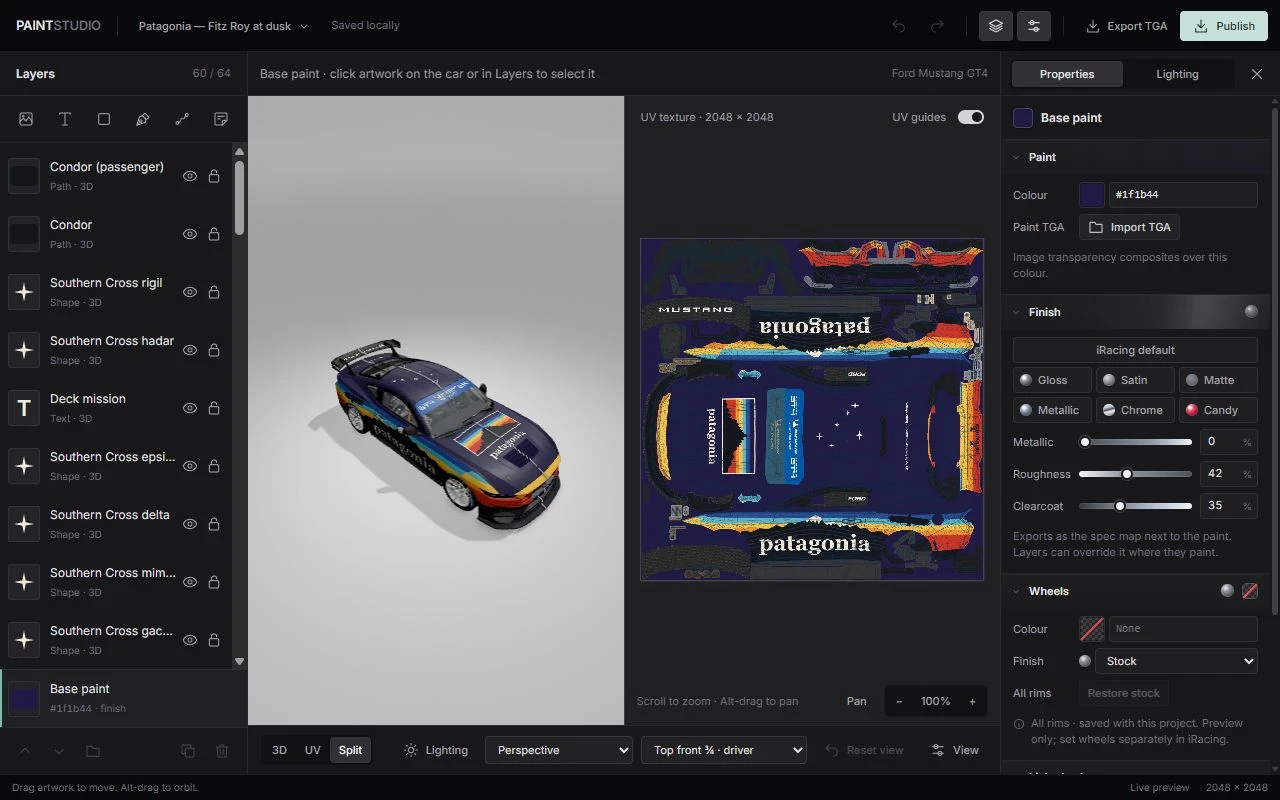
To my knowledge, this is the first complete iRacing-specific livery workflow to combine direct-on-car decal editing, geometry-aware wrapping, editable layers, and paint and material-finish exports for the simulator in one tool.
A logo placed on a door should stay attached as it moves toward a curved fender. A stripe should cross a panel gap without jumping into the interior or appearing on the other side of the car. Those interactions are the core engineering problem behind this editor.
I designed a placement system around camera raycasts, surface-normal sampling, and a wrap solver that works over the car's actual mesh. The artist can move editable artwork directly on the bodywork while the system handles its surface anchor, orientation, coverage, and eventual conversion into a flat paint texture.
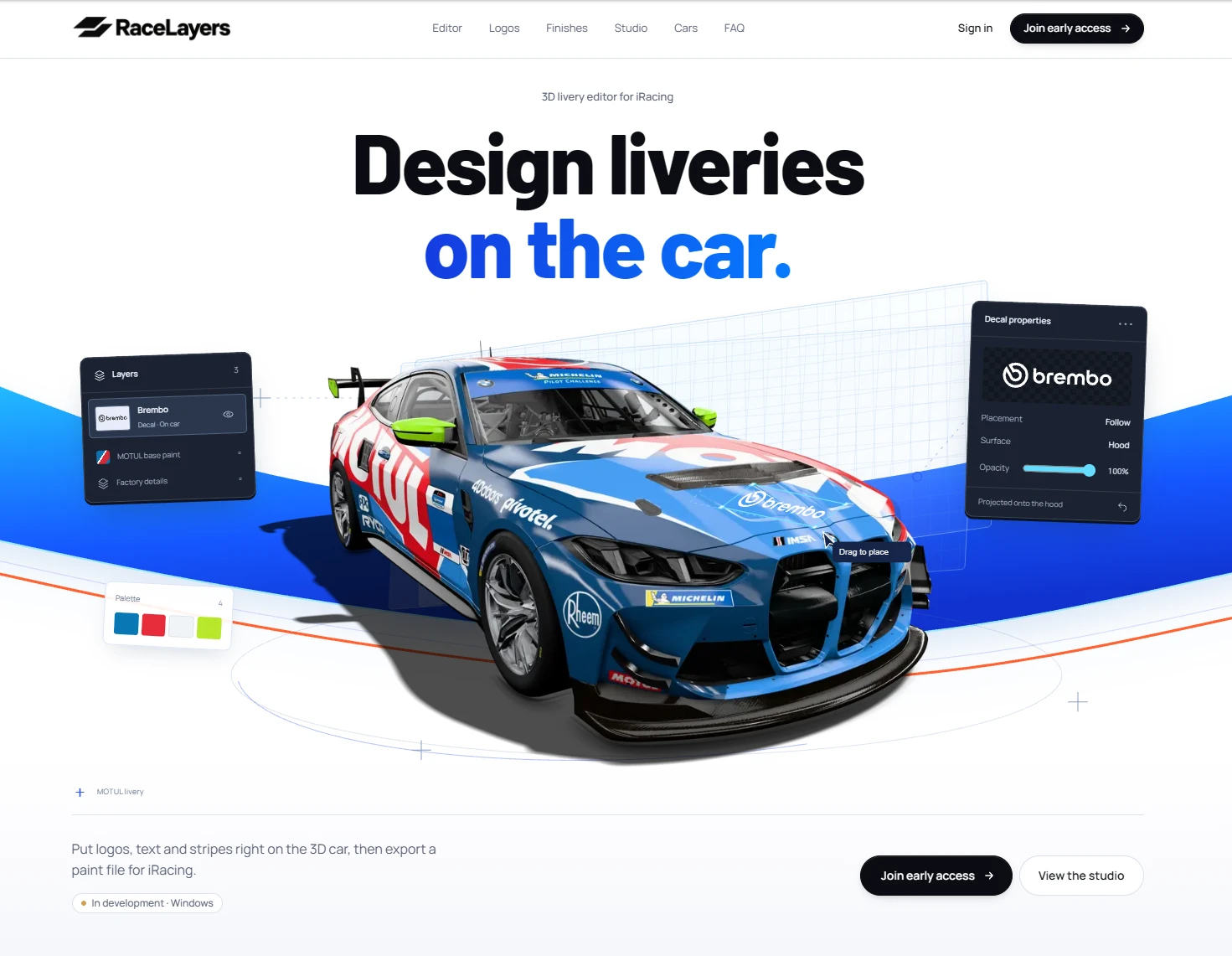
Raycasting: from a cursor to a surface anchor
The editor converts the pointer's screen position into a ray through the Three.js camera and intersects it with the scene. The hit gives the placement system a point on the car and a triangle to inspect. During surface-following dragging, the nearest hit must belong to an allowed painted panel. Glass, trim, or an excluded panel in front of it blocks the pick; the system does not reach through that surface to grab bodywork behind it.
Finding the point is only half the problem. The artwork also needs a stable direction to face. I built a spatially indexed surface sampler that combines nearby triangle normals, weighted by area, distance, and alignment. Its neighborhood is measured in world space, so zooming the camera or changing pointer speed does not change the sampling radius. This avoids repeatedly casting a fan of rays just to estimate the surrounding surface.
Hit eligibility and orientation use different information: the actual triangle normal decides whether the ray struck a front-facing surface, while the sampled neighborhood helps orient the artwork. That distinction matters around hood creases and fenders, where smoothed lighting normals can point away from a visibly selectable face. The drag system also preserves the point where the artist grabbed the decal as its projection turns with the bodywork.
Wrapping like vinyl across the mesh
A decal projects artwork onto a panel from a local frame. For designs that need to continue around the body, I built a separate Wrap mode: imagine pressing the center of a sheet of vinyl onto the car and working outward toward its edges. The solver assigns artwork coordinates to the mesh vertices it reaches, measuring how the sheet travels over the surface.
Starting at the anchor, the mapping grows through neighboring vertices in surface-distance order. It carries a local tangent frame—the directions along the surface—from one neighborhood to the next. Turning that frame across a seam preserves direction and length instead of collapsing an axis when two panels meet at a sharp angle. A relaxation step then spreads the distortion that comes from fitting flat artwork onto a surface that curves in two directions.
The difficult part is deciding which geometry belongs to that continuous sheet. The system joins matching mesh boundaries and bridges small panel gaps, but stops at tight folds and mappings that would mirror the artwork. Glass can carry the mapping across a window without receiving paint. Panel targets and distance limits further constrain coverage, including checks at the texture sample so triangle interpolation cannot pull distant bodywork into the design.
Those rules let a wrap follow gradual curves around the car while limiting unwanted spill onto thin edges, recessed surfaces, and unrelated panels. The work is in making ray hits, orientation, surface traversal, and coverage agree as the artist moves or resizes a design.
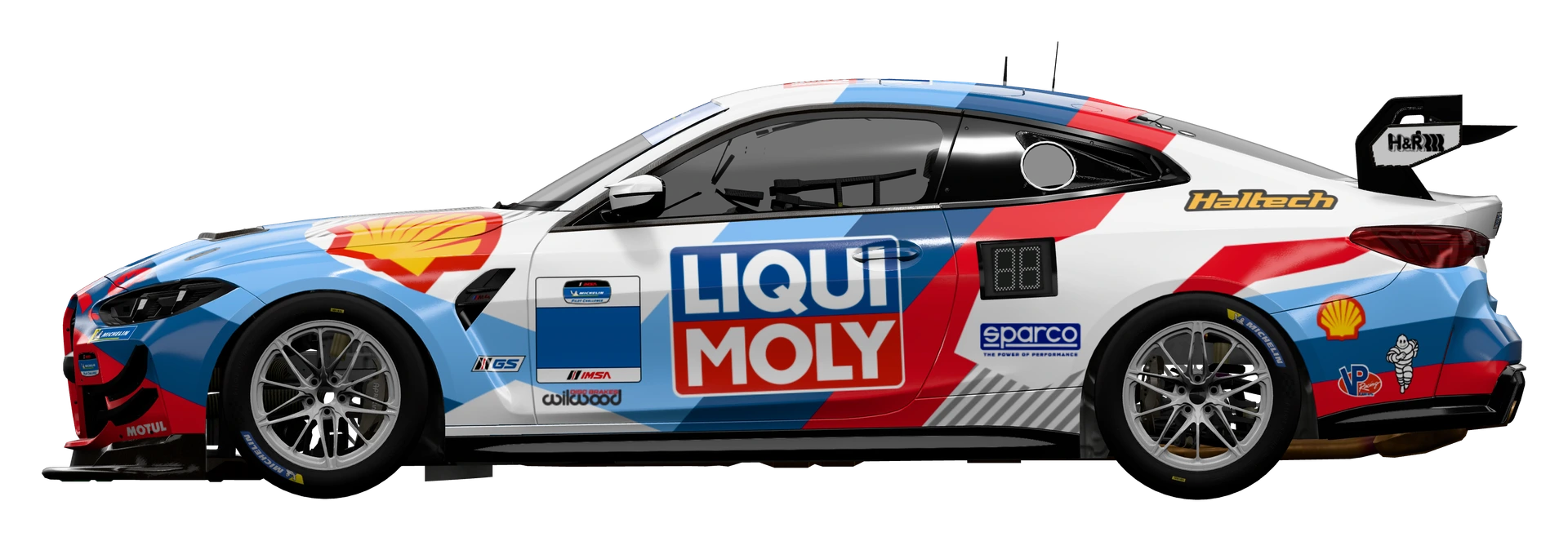
The same mapping in the preview and the export
The browser solves the wrap for the live 3D preview. At export, the Node.js backend runs the same geometry logic against the project's bound mesh and passes the resulting per-vertex coordinates to the Python texture baker. Both paths interpolate those coordinates across triangles and apply the same distance bounds. A separate export approximation would risk shifting the artwork after the artist had already positioned it.
The resulting texture fits the car's existing UV layout. That connects the direct interaction on the 3D body to the flat paint and finish maps the simulator consumes, while the project retains editable layers and placement parameters.
Technical details
- Picking
- Three.js camera raycasting, visible-surface filtering, and panel eligibility
- Orientation
- Spatially indexed, area-weighted surface-normal sampling and surface-following decal frames
- Wrapping
- Surface-distance growth, tangent-frame transport, distortion relaxation, and fold/coverage checks
- Workspace
- React, TypeScript, Tailwind CSS, and Vite; Three.js 3D and UV previews
- Local service
- Node.js HTTP API with shared geometry, document, and project services
- Export
- Shared wrap coordinates passed to Python for paint TGA and material-finish map baking
- Persistence
- Local JSON projects, revision checks, autosave, checkpoints, and publication backups
An editor with an output pipeline
The document stores editable layers, source assets, groups, linked colors, material finishes, and checkpoints. Undo restores document state, while revision checks protect saved projects from conflicting writes. Projects are bound to their car geometry and configuration so incompatible assets can be detected instead of silently moving the artwork.
Export runs a Python baker through the local backend, with limited concurrent jobs to control memory use. It produces the paint texture and, when needed, a separate finish map for metallic, roughness, and clearcoat properties. Publishing validates the output and backs up existing destination files before replacing them in the local simulator paint folder.
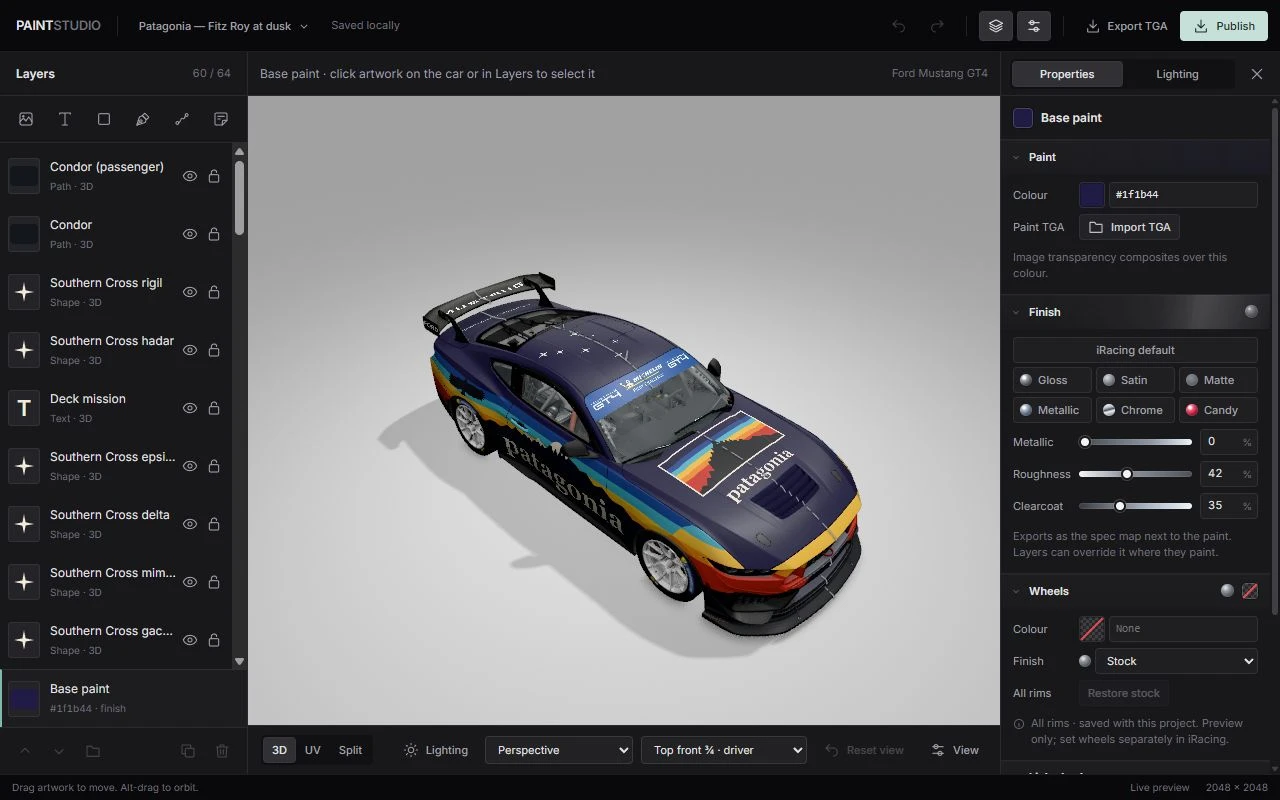
Building a tool that can keep growing
The browser, HTTP transport, and backend services have separate responsibilities. Shared packages own the document format and geometry algorithms. That makes it possible to evolve the workspace or add another local host without rewriting project storage and baking around a new UI.
This is an active development project. Car-specific material and panel support varies, and matching every configuration in the simulator remains ongoing work. My work is the authoring system and processing pipeline around the vehicle assets.