WheelBlend
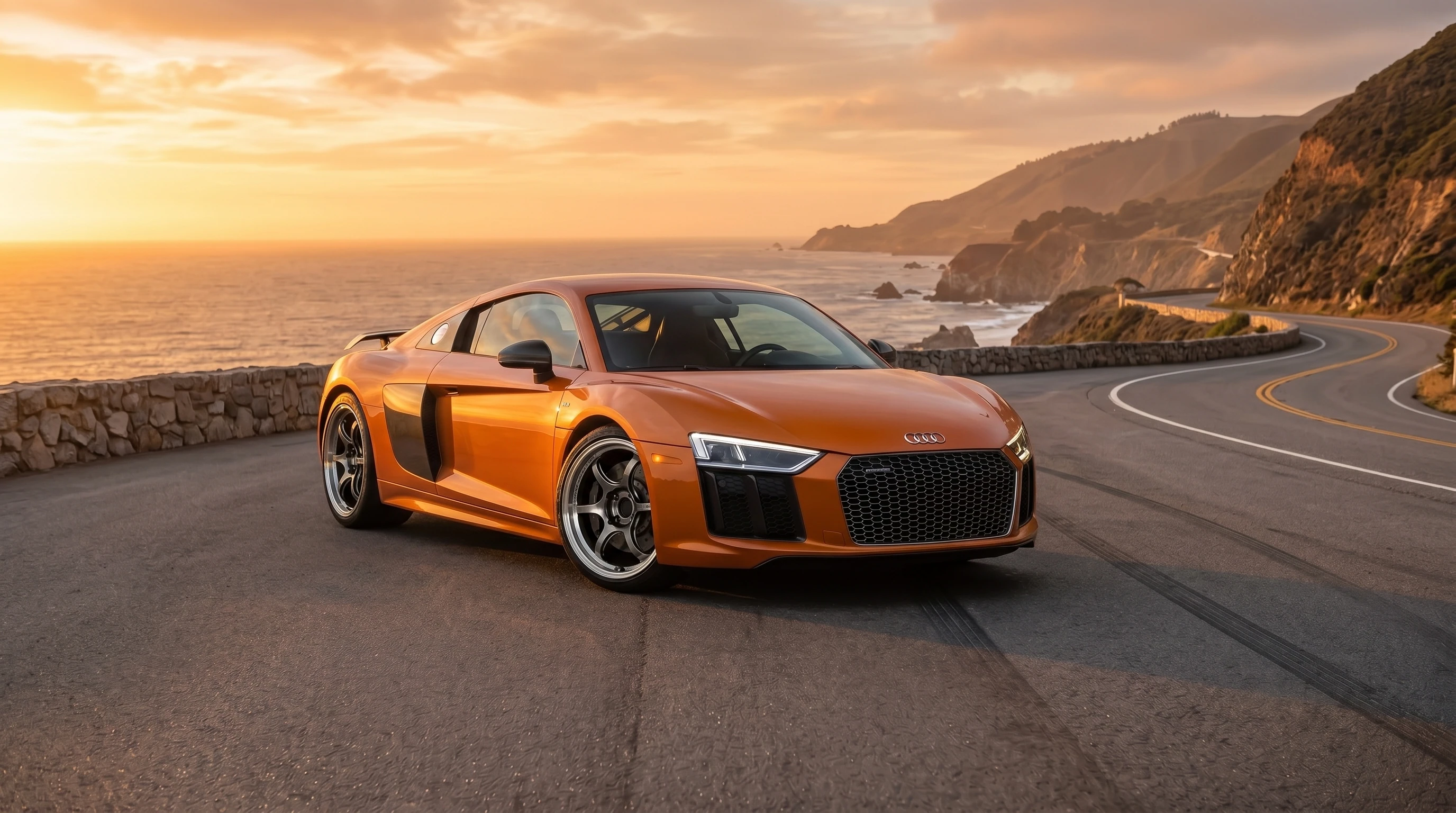
Upload a photo of your car, pick a wheel, and see how it actually looks before you buy. I designed, built, and run the whole thing myself.
Technical details
- Web app
- Next.js for the full web application
- Backend
- Node.js server with a full API system
- Database
- MongoDB
- Queuing
- Upstash
- Scheduled jobs
- Vercel Cron
- Mobile app
- React Native — coming soon
- AI workflow
- Image generation pipeline that turns a car photo and wheel selection into a preview
Why
Wheels are expensive and hard to judge from product photos. Most people end up digging through forum threads for someone with the same car and guessing. WheelBlend puts the wheel on your car, from your photo, and gets the details right: angle, fitment, tire sidewall, ride height, and lighting.
How it's built
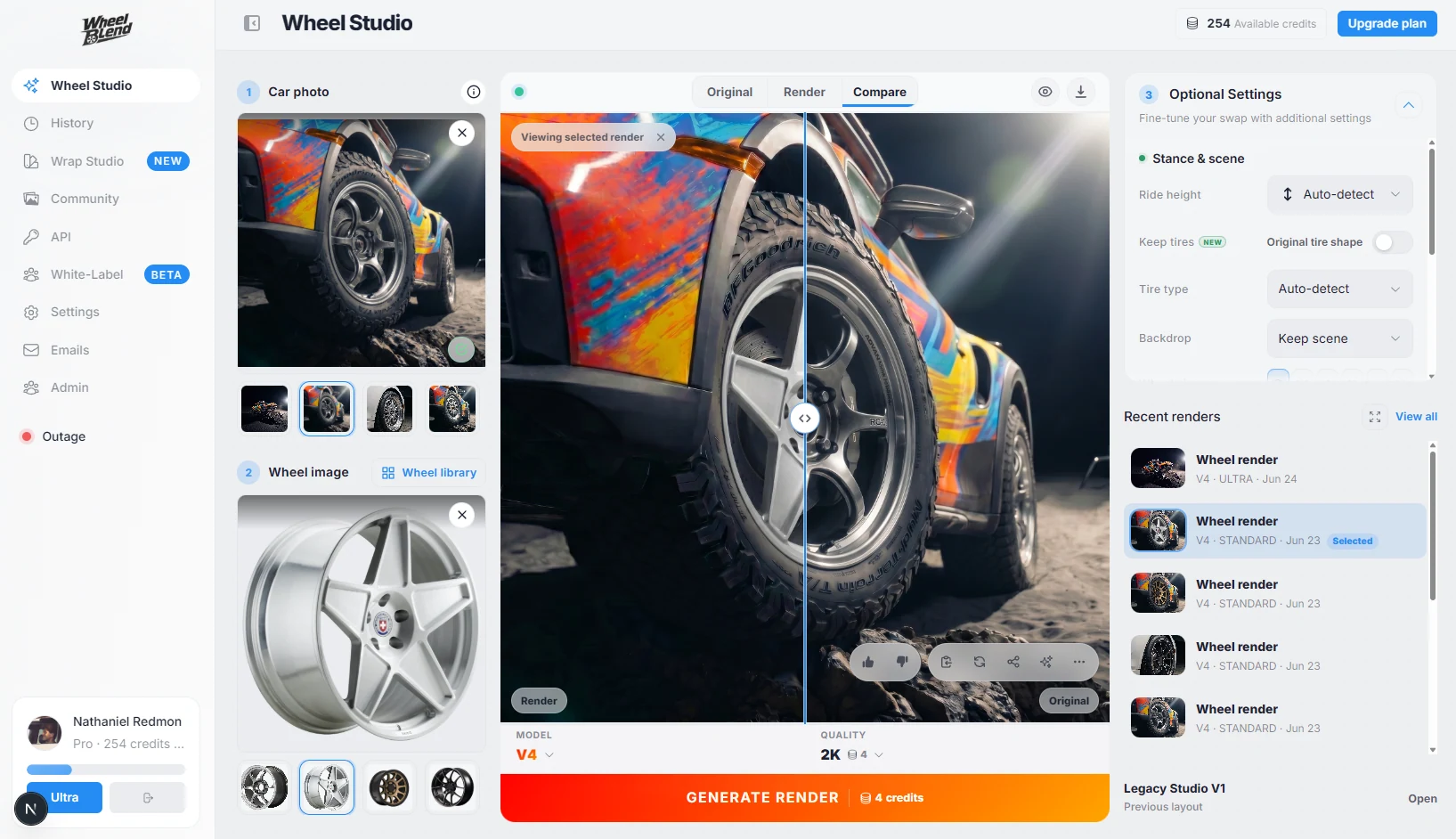
WheelBlend is a full Next.js application with a Node.js server and a complete API system. MongoDB handles the database, Upstash handles queuing, and Vercel Cron runs scheduled jobs.
The model is one piece of it. Around it is everything that makes it a real product: accounts, billing, render history, side by side comparisons, usage limits, and the pipeline that handles generation jobs. I wrote the frontend, the backend, and the APIs, and I set up and manage the infrastructure it runs on.
Running it
Since it's just me, support, pricing, and the codebase all live in one place. A bug report can turn into a fix the same day, and pricing is based on what renders actually cost to run. So far 30K+ people have used it to make 200K+ renders.
A React Native mobile app is coming soon, alongside more tooling for shops and retailers. I wrote more about how it started in Building WheelBlend, or try it at wheelblend.com.